
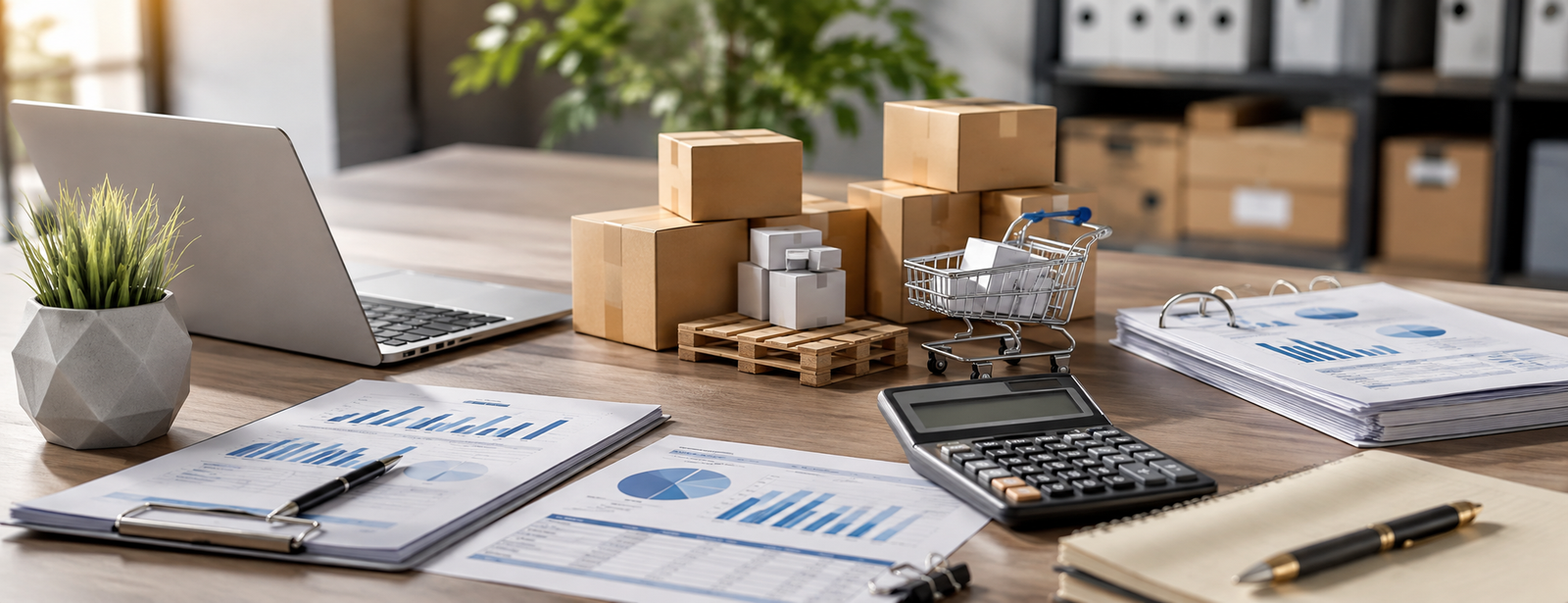
Sales and Purchases Accounting
Sales and purchases accounting represents an essential part of the financial system of any commercial establishment. A sales transaction does not affect revenue alone, and a purchase transaction does not merely mean recording an expense or goods. Instead, the effects of each transaction extend to customers, suppliers, inventory, value-added tax, cash, banks, and financial reports.
Proper accounting begins before recording the journal entry. Every transaction must be supported by a clear document, recorded in the appropriate account, posted to the ledger, and reflected in the financial reports. As the volume of transactions increases, relying on separate files or manual recording becomes more prone to errors.
An integrated accounting system such as DigitalPro for Accounting and Point of Sale can connect sales, purchases, and warehouses within a single cycle instead of entering data in multiple places. The AamalSoft website confirms that DigitalPro connects the accounting system with the sales, purchasing, and warehouse departments.
What Is Sales and Purchases Accounting?
Sales and purchases accounting is the recording, processing, and reviewing of transactions related to selling goods or services and purchasing goods or expenses, as well as tracking their effects on revenue, costs, customers, suppliers, inventory, and taxes.
It can be divided simply into:
| Sales Accounting | Purchases Accounting |
|---|---|
| Customer Invoices | Supplier Invoices |
| Revenue | Purchases and Costs |
| Customers and Debtors | Suppliers and Creditors |
| Collections | Payments |
| Sales Returns | Purchase Returns |
| Output VAT | Eligible Input VAT |
| Reducing Inventory When Goods Are Sold | Increasing Inventory When Goods Are Purchased |
The two sides should not be considered separately because purchasing goods later affects the cost of the products from which the establishment generates sales.

How Does the Sales Accounting Cycle Work?
The sales cycle begins with the customer’s order and ends with collection and the transaction appearing in the reports.
In a commercial activity, the transaction may pass through the following stages:
- Receiving the customer’s order.
- Creating a quotation when needed.
- Approving the sales order.
- Preparing the products.
- Issuing the delivery or issue note.
- Issuing the sales invoice.
- Recording the customer’s account if the sale is on credit.
- Recording the collection.
- Updating the inventory.
- Updating the accounts and reports.
The documentary cycle published by AamalSoft explains a similar sequence that begins with the quotation and sales order, passes through the delivery note and invoice, and ends with the customer’s account and receipt voucher.
You can view the full explanation in the guide to the documentary cycle and the accounting cycle.
How Is a Sales Journal Entry Recorded?
The sales journal entry depends on whether the transaction is a cash or credit transaction, as well as the tax treatment and inventory system used.
Cash Sales
When a product is sold for cash, the simplified form of the journal entry is:
Debit: Cash or Bank Account; Credit: Sales Account; Credit: Output VAT Account, when applicable
If the establishment uses the perpetual inventory system, the effect of the cost of goods sold and the reduction in inventory will also appear.
Credit Sales
If the customer does not pay immediately:
Debit: Customers Account; Credit: Sales Account; Credit: Output VAT Account, when applicable
When collection occurs later:
Debit: Cash or Bank Account; Credit: Customer Account
Therefore, the establishment should not rely solely on the sales figure. It must also monitor customer balances, outstanding amounts, and actual collections.

How Does the Purchases Accounting Cycle Work?
The purchasing process begins with an actual need within the establishment, not merely with the arrival of the supplier’s invoice.
The cycle usually includes:
- Purchase request.
- Reviewing the need.
- Supplier quotations.
- Purchase order.
- Receiving and inspecting the items.
- Goods receipt note.
- Supplier invoice.
- Recording purchases or inventory.
- Recording the supplier’s account.
- Payment.
- Reconciling the supplier’s account.
One of the important controls is matching the purchase order, goods receipt note, and supplier invoice before payment so that the establishment does not pay for items that were neither ordered nor received.
This cycle is directly connected to warehouse management. Therefore, you can review the guide to the documentary cycle for warehouses for a broader understanding of receiving, issuing, and storage.
How Is a Purchases Journal Entry Recorded?
The journal entry differs according to the nature of the purchases, the inventory system, and the payment method.
When goods are purchased on account, the simplified journal entry may be:
Debit: Purchases or Inventory Account; Debit: Deductible Input VAT Account when its conditions are met; Credit: Supplier Account
Upon payment:
Debit: Supplier Account; Credit: Bank or Cash Account
If the purchases are an operating expense, the appropriate expense account is used instead of the inventory or purchases account.
Therefore, not all supplier invoices should be recorded in the same way. Purchasing goods for resale differs in accounting treatment from paying rent or purchasing a fixed asset.
Ready to try the system?
Start your free trial or speak with the sales team to help you choose the right solution.
What Is the Relationship Between Sales, Purchases, and Inventory?
Inventory is the main point of connection between sales and purchasing transactions in commercial establishments.
When purchasing:
The inventory quantity increases.
When selling:
The inventory quantity decreases, and the cost of goods sold appears according to the accounting system used.
Therefore, having a sales invoice that does not reduce inventory or a purchase invoice that does not update the quantity will eventually lead to a difference between the actual balance and the system balance.
Inaccurate inventory may also affect the cost of sales, profitability, and financial reports.
Integrated systems make it possible to connect sales and purchases with product movements instead of updating quantities manually. DigitalPro provides functions for managing products, warehouses, sales, and purchases within the same system.
For more information about this topic, you can read the guide to inventory in commercial establishments.
How Does Value-Added Tax Affect Sales and Purchases?
An establishment registered for value-added tax must distinguish between output VAT associated with sales and input VAT associated with purchases and eligible for deduction under the applicable regulations.
In simple terms:
Net VAT = Output VAT − Deductible Input VAT
Therefore, the full invoice value should not be treated as revenue or cost. Instead, VAT must be separated within the accounts, and the sales and purchase balances must be reconciled with the VAT return.
You can review the guide to value-added tax in Saudi Arabia to learn about the treatment of output and input VAT in detail.
How Are Sales and Purchase Returns Recorded?
Returns must be recorded separately because they reverse part of the original transaction and affect inventory, customers or suppliers, and VAT.
Sales Returns
When a customer returns goods that were previously sold, the following may be affected:
● Sales returns.
● The customer’s account or cash.
● VAT.
● Inventory, if the returned goods are suitable for resale.
Purchase Returns
When goods are returned to the supplier, the following are affected:
● The value of purchases or inventory.
● The supplier’s account.
● VAT associated with the transaction.
● Inventory quantity.
Therefore, returns should be linked to the original invoices whenever possible instead of adjusting balances manually.
What Are the Most Important Sales and Purchases Accounting Reports?
Management needs more than an aggregate sales report.
The most important reports include:
● Daily and monthly sales.
● Sales by customer.
● Sales by product.
● Gross profit.
● Customers and accounts receivable aging.
● Purchases by supplier.
● Supplier balances.
● Purchases by item.
● Returns.
● Inventory movement.
● Cost of sales.
● Output and input VAT.
● Cash flows.
● Profit and loss.
AamalSoft explains that financial reports may include customer, supplier, inventory, sales, and purchase reports, in addition to the primary financial statements.
For more information, you can read the guide to financial reports and their types, or learn about the smart reporting software.
How Do You Review Sales and Purchase Accounts Monthly?
Before closing the month, use the following checklist:
● Match the total sales invoices with the revenue account.
● Match collections with customer balances.
● Review cash sales against the cash account and bank account.
● Review discounts and returns.
● Match purchases with supplier invoices.
● Review supplier balances and payments.
● Match received purchases with inventory.
● Review output and input VAT.
● Ensure that pending invoices have been recorded.
● Review inventory discrepancies.
● Generate the trial balance.
● Analyze unusual changes compared with the previous month.
This review helps identify errors before they are carried forward to the financial statements or tax returns.
Ready to try the system?
Start your free trial or speak with the sales team to help you choose the right solution.
How Does an Accounting System Help Manage Sales and Purchases?
Integrated accounting software reduces the need to record the same transaction more than once.
A sales invoice can update:
Customer + Revenue + VAT + Inventory + Payment Method + Reports.
A purchase invoice can update:
Supplier + Inventory or Expense + VAT + Liability + Reports.
AamalSoft explains that DigitalPro includes an accounting system connected to purchases, sales, and warehouses. The system has also received updates to its sales, purchasing, invoicing, and reporting functions.
You can explore DigitalPro for managing sales, purchases, and accounts. If the establishment wants to operate online, it can learn about the DigitalPro Cloud accounting system.
Frequently Asked Questions About Sales and Purchases Accounting
What Is Meant by Sales Accounting?
It is the recording and tracking of transactions involving the sale of goods or services and the resulting revenue, customer accounts, VAT, inventory, collections, and returns.
What Is Meant by Purchases Accounting?
It is the recording and tracking of purchases of goods, services, and expenses from suppliers, as well as the related inventory, liabilities, payments, returns, and VAT.
What Is the Accounting Difference Between Sales and Purchases?
Sales usually generate revenue, customer receivables, or cash inflows, while purchases increase inventory, expenses, or assets and create a liability to the supplier when made on credit.
What Is the Difference Between Cash Sales and Credit Sales?
In a cash sale, the transaction value is collected immediately, while a credit sale creates a balance in the customer’s account until the payment date.
Are Purchases Considered an Expense?
Not always. Goods purchased for resale may be recorded under inventory or purchases, depending on the accounting system. Other purchases may represent operating expenses or assets, and each case has a different treatment.
Can Sales and Purchases Be Linked to Inventory Automatically?
Yes. Integrated accounting systems can update inventory when purchase, sale, and return transactions are recorded. DigitalPro presents sales, purchases, and warehouses within an interconnected accounting system.
Conclusion
Successful sales and purchases accounting depends on recording the complete cycle rather than the invoice alone. Sales are connected to customers, collections, inventory, revenue, and VAT, while purchases are connected to suppliers, payments, inventory, costs, and input VAT.
When these transactions are connected within one system, reconciling accounts, inventory, and reports becomes easier, and the need to transfer data manually between departments is reduced.
For this reason, DigitalPro from AamalSoft provides an environment that connects sales and purchases with warehouses, accounts, point-of-sale systems, and reports. You can explore AamalSoft solutions, then request a free trial and test a cycle that begins with the purchase invoice and ends with the sales invoice, collection, and financial report.
Start Managing Your Business with Complete Flexibility
Try AamalSoft for free. Start issuing your ZATCA-compliant electronic invoices within minutes.
- Free trial with no credit card required
- 24-hour technical support
- ZATCA-compliant