Best POS Software in Saudi Arabia
Choosing the best POS software is not just about finding the fastest cashier screen; a POS system has become the connection point between sales, inventory, invoices, payments, employees, accounting, and reports. The more integrated these elements are, the easier it becomes for a business owner to know what is happening inside the store or branch in real time instead of compiling data manually at the end of the day.
The right system varies depending on the business type. A supermarket needs barcode support, scales, inventory management, and expiration dates, while a restaurant needs order, table, kitchen, and delivery management. A multi-branch company requires centralized reports, permissions, and inventory and sales tracking across locations.
Therefore, the question you should ask before purchasing is: What is the best POS software for my business type? Not simply: What is the most popular POS software?
AamalSoft offers the DigitalPro accounting and POS system, which provides features that connect sales, inventory, returns, accounting, and reports within one system.

What Is POS Software?
POS software is a system used to record sales transactions, issue invoices, accept payment methods, and manage returns. In integrated systems such as DigitalPro, it can also update inventory, accounting, and reports immediately after completing a transaction.
When a cashier scans a product barcode, the system can perform several interconnected operations:
- Identify the item and its price.
- Add the product to the invoice.
- Calculate the discount and tax according to the settings.
- Record the payment method.
- Issue the invoice.
- Deduct the quantity from inventory.
- Record the sales transaction.
- Update reports.
- Record the accounting impact if the POS is connected to the accounting system.
Therefore, POS software is more than just a cashier screen.
To understand the system components in greater detail, you can read the guide to point-of-sale systems and how to choose POS software for your business.
What Makes POS Software the Best?
The best POS software is a system that completes sales transactions quickly, connects them to inventory, accounting, and reports, and supports electronic invoicing and the devices required by the business, with clear user permissions.
The software should provide the following features:
Fast and User-Friendly Sales Screen
Cashiers use the system dozens or hundreds of times every day, so the sales screen must be clear and fast and reduce the number of steps required to complete an invoice.
The system should support:
- Touchscreen operation.
- Quick item search.
- Barcodes.
- Weights.
- Product shortcuts.
- Customer addition.
- Discounts.
- Invoice suspension when needed.
- Multiple payment methods.
- Returns.
DigitalPro provides a sales screen that supports touch controls, barcodes, search, and weights, in addition to promotions, coupons, and inventory-linked returns.
You can explore DigitalPro as a POS and accounting system to learn about the sales screen features.
Inventory Management From the Point of Sale
Inventory is one of the most important elements that distinguishes basic cashier software from the best integrated POS software.
When a product is sold, its quantity should change within the system without requiring the inventory balance to be updated manually.
The POS should preferably provide:
- Current quantity.
- Multiple warehouses.
- Item movement.
- Purchases.
- Suppliers.
- Transfers between warehouses.
- Stocktaking.
- Returns.
- Multiple units for each item.
- Multiple barcodes.
- Serial numbers when needed.
- Expiration dates for relevant businesses.
The DigitalPro page explains its support for multiple units, barcodes, serial numbers, expiration dates, and control over quantities, prices, and costs.
This is particularly important for supermarkets, pharmacies, retail stores, and businesses that manage a large number of items.
Ready to Try the System?
Start your free trial or speak with the sales team to help you choose the right solution.
Electronic Invoicing and Compliance With Saudi Requirements
For businesses subject to electronic invoicing requirements, the POS solution must be capable of issuing invoices according to the requirements applicable to the business.
The Zakat, Tax and Customs Authority explains that the second phase of electronic invoicing requires notified taxpayers to connect their invoicing systems to the «Fatoora» platform and issue electronic invoices in the required format.
Therefore, before adopting any POS, make sure it supports:
- Tax invoices.
- Simplified tax invoices.
- Value-added tax.
- QR Code.
- Credit and debit notes.
- Connection and integration when the business becomes subject to the second phase.
The AamalSoft website presents DigitalPro as a system that combines point-of-sale operations, electronic invoicing, accounting, and inventory management.
Also read: Accounting software compatible with electronic invoicing.
Payment Method and Return Management
Good POS software should handle the complete sales cycle, including what happens after the invoice is issued.
It is important to support:
- Cash payments.
- Cards.
- Payment methods accepted by the business.
- Split payments when needed.
- Full returns.
- Partial returns.
- Discounts.
- Connecting returns to inventory.
The DigitalPro page presents multiple payment options, invoicing with saving, printing, and sharing capabilities, and management of returns and adjustments.
Employees, Shifts, and Permissions
One of the most important questions the system should answer is:
Who performed this transaction?
The business owner should be able to assign different permissions to cashiers, supervisors, accountants, and managers.
Examples of important permissions include:
- Applying discounts.
- Processing returns.
- Viewing costs.
- Changing prices.
- Opening the cash drawer.
- Viewing profits.
- Canceling a transaction.
- Accessing reports.
Shift data also helps compare sales with cash amounts and identify the employee responsible for each group of transactions. These are common features in modern POS systems.

Sales and Profit Reports
The best POS software does not only tell you «how much did you sell today?» It also helps you understand what you sold, where you sold it, and what generates profit.
Important reports include:
- Total sales.
- Sales by branch.
- Sales by employee.
- Product sales.
- Returns.
- Discounts.
- Payment methods.
- Inventory movement.
- Best-selling products.
- Most profitable products.
- Customer balances when credit sales are available.
The DigitalPro page presents financial and accounting reports, sales, profit, and item analysis, inventory and product movement tracking, and dashboards for monitoring performance.
If management requires a broader level of analysis, you can also explore the smart reporting software.
POS Hardware Support
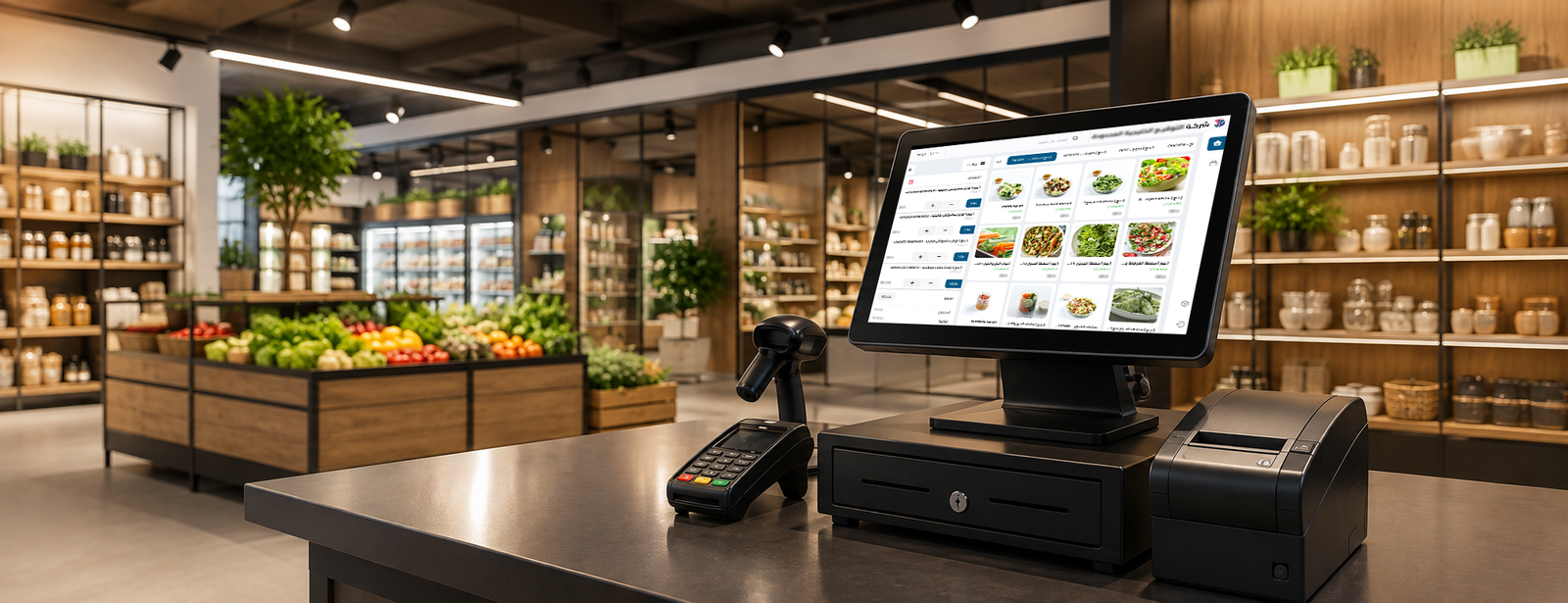
Before purchasing the software, make sure it is compatible with the devices you already use or plan to purchase.
These may include:
- Cash drawer.
- Customer display.
- Thermal printer.
- Barcode scanner.
- Card reader.
- Touchscreen.
- Electronic scale.
DigitalPro supports these categories of POS devices, including printers, barcode scanners, customer displays, and scales.
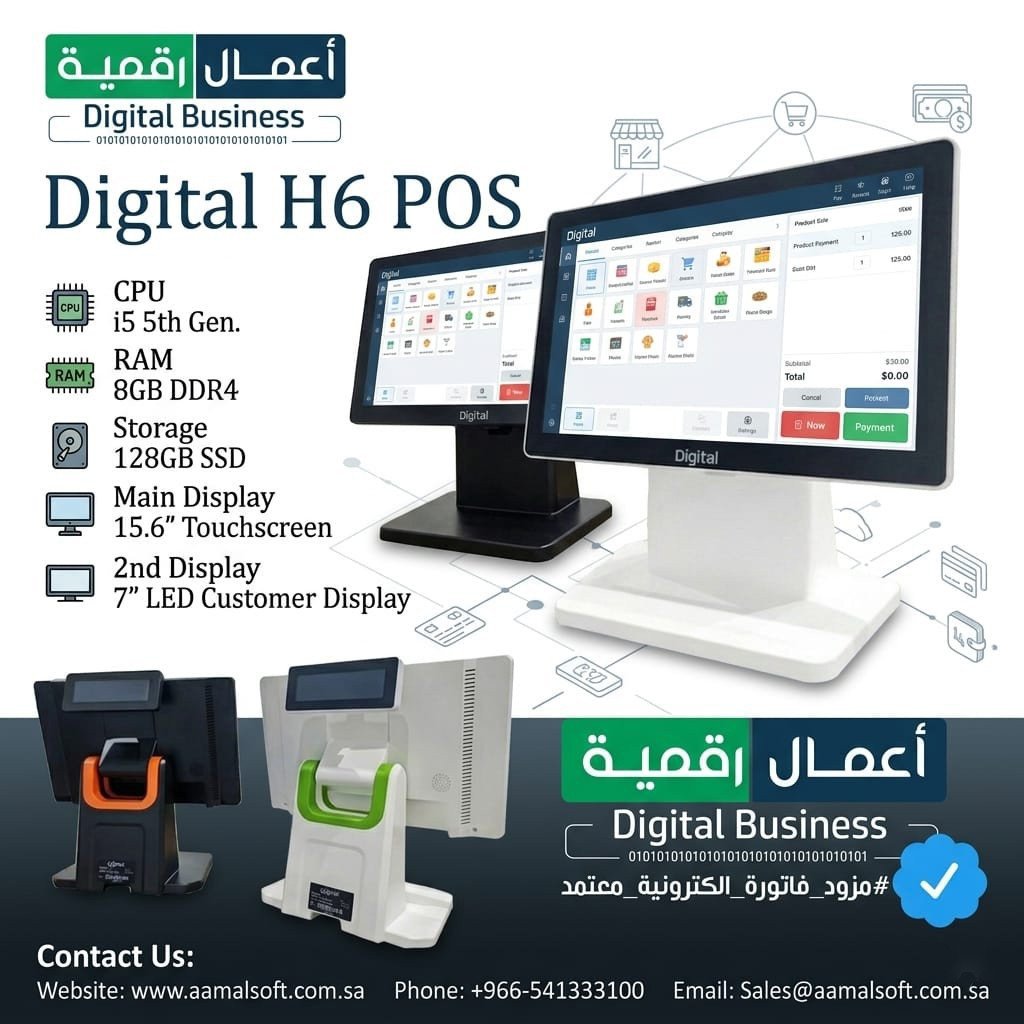
If you need an integrated cashier device, you can review the Digital H6 POS cashier device.
Best POS Software by Business Type
One system should not be used with the same settings for every business because each sector has different requirements.
Best POS Software for Supermarkets and Retail Stores
You should focus on:
- Cashier speed.
- Barcodes.
- Scales.
- Promotions.
- Discounts.
- Expiration dates.
- Inventory.
- Multiple units for each item.
- Suppliers.
- Stocktaking.
DigitalPro provides features designed for these operations, including electronic scales, barcodes, expiration dates, promotions, and inventory management.
Best POS Software for Restaurants and Cafés
A restaurant needs more than a cashier system, including:
- Dining areas and tables.
- Orders.
- Takeaway.
- Delivery.
- Kitchen management.
- Order splitting.
- Recipes.
- Inventory.
- Ingredient costs.
Pages dedicated to café systems show that order, employee, inventory, and multi-branch management are among the essential features required by this sector.
Therefore, AamalSoft provides a POS and management system for restaurants and cafés instead of relying only on a general sales screen.
Point-of-Sale Systems for Multi-Branch Companies
When a company has more than one branch, the priorities become:
- Standardizing products and prices.
- Tracking sales by branch.
- Managing inventory at each location.
- Transferring products.
- Managing user permissions.
- Generating consolidated reports.
- Monitoring performance remotely.
Businesses that require online management can also explore DigitalPro Cloud as a cloud accounting system.
Why Is DigitalPro a Strong Option When Searching for the Best POS Software?
DigitalPro software can be considered a strong option when searching for the best POS software in Saudi Arabia for businesses that want to connect cashier operations to accounting, inventory, and reports instead of using separate sales software.
The system’s features include:
- A touchscreen-enabled POS screen.
- Barcodes and weights.
- Promotions and discounts.
- Returns.
- Product management.
- Multiple units and barcodes.
- Expiration dates.
- Inventory and warehouses.
- Suppliers.
- Multiple payment options.
- Financial reports.
- Sales and profit analysis.
- Support for different POS devices.
The important point is that the sales transaction does not remain confined to the cashier screen; it becomes part of the business’s financial and inventory system.
You can explore the DigitalPro accounting and POS system and compare its features with your business requirements before making a decision.
How Do You Test POS Software Before Purchasing It?
Do not rely only on images or a feature list. Conduct a test that simulates a real working day:
- Add a product.
- Scan the barcode.
- Create an invoice.
- Apply a discount.
- Use two different payment methods.
- Process a partial return.
- Review the inventory balance.
- Close the cashier shift.
- Generate the sales report.
- Review the accounting impact.
- Test another user’s permissions.
- Test the printer, barcode scanner, and device used in actual operations.
Ready to Try the System?
Start your free trial or speak with the sales team to help you choose the right solution.
Frequently Asked Questions About the Best POS Software
What Is the Best POS Software?
The best POS software is the system that suits your business, connects sales to inventory, invoices, payment methods, returns, and reports, and supports the devices and permissions your organization requires.
DigitalPro is worth evaluating for businesses that need to combine POS, accounting, and inventory within one system.
What Is the Difference Between POS Software and a POS Device?
The software is the system that manages products, invoices, inventory, and reports, while the device is the screen or cashier terminal on which the software operates.
You can read the guide to the best POS device to learn about the appropriate hardware specifications.
Should POS Software Be Connected to Inventory?
If your business sells products, it is preferable to have a direct connection so that quantities change after sales and returns, allowing you to track balances and item movements without manual updates.
Does a POS System Require Separate Accounting Software?
Not necessarily. An integrated system can combine point-of-sale and accounting functions. This is one of the important differences between basic cashier software and a comprehensive system such as DigitalPro.
Should the Best POS Software Support Electronic Invoicing?
If your business is subject to electronic invoicing requirements, the invoicing solution must comply with the requirements applicable to it, including integration with the Fatoora platform when it enters the second phase.
Can Point-of-Sale Systems Operate Across Multiple Branches?
Advanced systems support the management of multiple stores or branches and the tracking of inventory, employee, and sales data, but the available features vary between systems.
How Much Does POS Software Cost?
The cost varies according to the number of branches, users, points of sale, warehouses, devices, features, and integrations. Therefore, it is better to compare the total operating cost rather than the license price alone.
Conclusion
Choosing the best POS software begins with your business workflow. A supermarket needs barcode support, scales, inventory management, and expiration dates, while a restaurant needs order, kitchen, and table management. A multi-branch company requires centralized monitoring, reports, and clear permissions.
In every case, the value of a POS system becomes greater when invoices are connected directly to inventory, accounting, returns, and reports instead of managing each element through separate software.
DigitalPro from AamalSoft provides an integrated system that combines point-of-sale operations, accounting, inventory, product, supplier, and warehouse management, and reports, with support for a wide range of POS devices.
You can explore DigitalPro or view all AamalSoft software solutions, then request a free trial and test an actual sales cycle that includes invoicing, barcode scanning, returns, inventory, and reporting before adopting the system.
Start Managing Your Business With Complete Flexibility
Try AamalSoft for free. Start issuing ZATCA-compliant electronic invoices within minutes.
- Free trial without a credit card
- 24-hour technical support
- ZATCA-compliant