
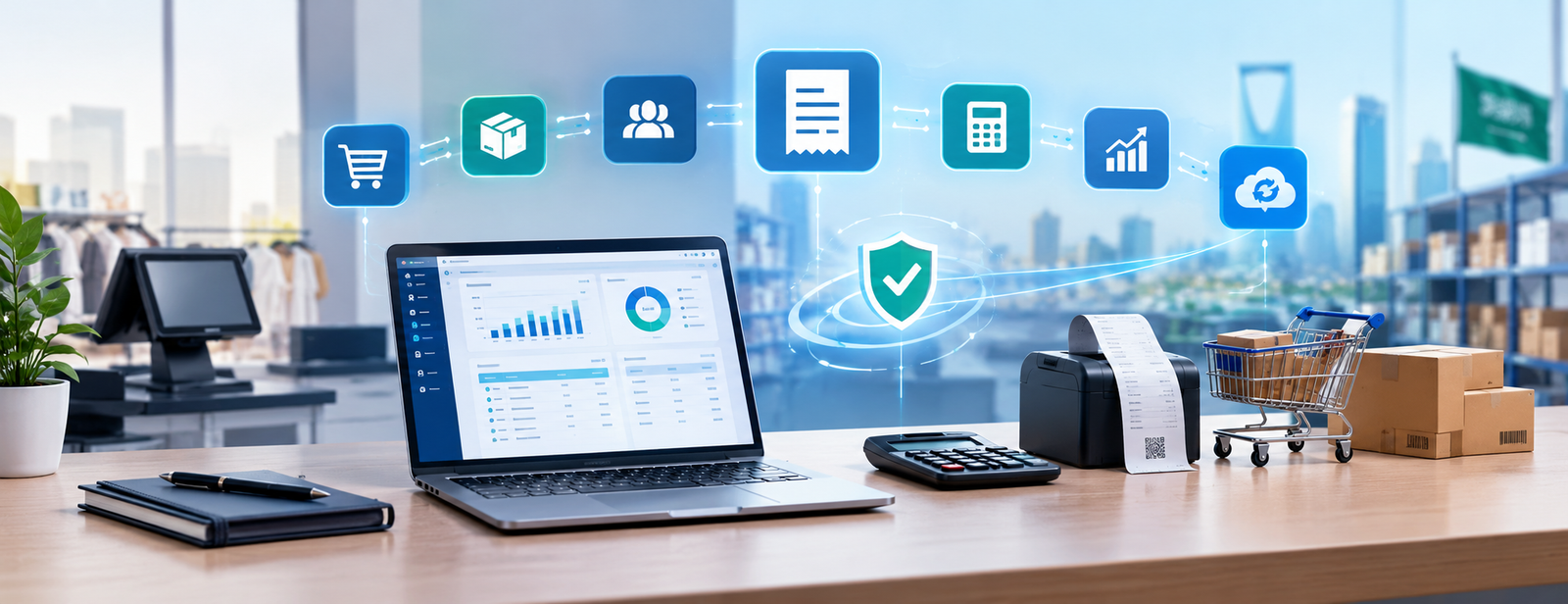
Accounting Systems Approved by the Zakat and Income Authority
Choosing an accounting system in Saudi Arabia is not just about recording revenue and expenses and generating reports. Businesses today need a system that manages sales, purchases, value-added tax, and electronic invoices in an integrated manner that complies with the requirements of the Zakat, Tax and Customs Authority.
This is where business owners begin asking questions: Does the software issue electronic invoices in the required format? Does it support VAT and returns? What happens when the business enters Phase Two? Is invoicing connected to accounting and inventory, or do transactions need to be entered again manually?
That is why, at Aamal Raqamiah, we view the right system as more than just invoicing software. It is an integrated solution that starts with a sale and ends with updating accounts, inventory, and reports.
Aamal Raqamiah offers DigitalPro for Accounting and Point of Sale, which brings invoicing, sales, inventory, purchases, accounting, and reporting together in one system.

What Is Meant by Accounting Systems Approved by the Zakat and Income Authority?
The authority's current official name is the Zakat, Tax and Customs Authority. When discussing accounting systems approved by the Zakat and Income Authority, we are referring to systems that can manage electronic invoicing according to the authority's requirements while also handling the accounting cycle a business needs.
One point is important to clarify here: The authority provides an indicative list of invoicing solution providers that have passed the qualification requirements. However, it explains that the list itself does not mean that all technical solutions offered by the listed companies are approved. Taxpayers may also use a solution from an unlisted provider if the system complies with electronic invoicing requirements.
Explore: Accounting software approved by the Zakat and Income Authority
What Should an Integrated Accounting System Provide?
An integrated accounting system should handle the business's actual daily operations, rather than simply provide an invoice creation screen.
Some of the most important functions we recommend reviewing include:
- Issuing electronic invoices.
- Managing value-added tax.
- Sales and purchases.
- Customers and suppliers.
- Returns.
- Credit and debit notes.
- Inventory and warehouses.
- Payment methods.
- General accounting.
- User permissions.
- Financial and tax reports.
- Supporting integration requirements when applicable.
If your business is still comparing software options, you can review the guide to choosing accounting software compatible with electronic invoicing.
Ready to try the system?
Start your free trial or speak with the sales team for help choosing the right solution.
How Should an Invoice Work Within the Accounting System?
Issuing an invoice is the beginning of the process, not its end.
When a sale takes place, its data should flow to the related parts of the system:
Sales invoice → Customer → Tax → Inventory → Revenue → Payment method → Reports
If an employee issues an invoice in one program and the accountant then needs to record the same transaction again, the workflow is still not integrated.
That is why, at Aamal Raqamiah, we focus on connecting invoicing with accounting, inventory, and points of sale, so that a single transaction generates data that can be used across multiple parts of the system without duplicate entry.
Which Electronic Invoicing Requirements Should You Review?
Phase One of electronic invoicing in Saudi Arabia began on December 4, 2021, requiring invoices to be issued and stored electronically using a system that complies with the authority's requirements.
When evaluating the system, review its ability to handle:
- Tax invoices.
- Simplified tax invoices.
- Business and customer details when required.
- Tax amounts.
- Returns.
- Credit and debit notes.
- Storing and retrieving invoices.
- Required fields for each invoice type.
Tax invoices are generally used in transactions between businesses, while simplified tax invoices are generally used in transactions with consumers. Each has specific information requirements that must be considered.
You can also read the electronic invoicing software guide for a more detailed understanding of the invoicing cycle.

What About Phase Two of Electronic Invoicing?
Phase Two is the integration phase, which began rolling out gradually to groups of taxpayers on January 1, 2023.
During this phase, the business's electronic invoicing system is connected to the Fatoora platform, with invoices issued according to the specified formats and requirements. The authority also notifies taxpayers covered by this phase at least six months before their integration deadline.
Therefore, if your business has reached the integration phase, software that can simply print an invoice is not enough. It must be an integrated accounting system for accounting, reporting, and invoicing, such as Digital Plus
You should ask:
Can the system we use connect to the Fatoora platform and meet the technical requirements applicable to our business?
You can learn more through the guide to Phase Two of electronic invoicing.
How Is VAT Managed Within the System?
Tax calculation should not depend on a manual procedure for every invoice.
The accounting system should allow the appropriate tax treatment to be defined for items and services, then applied to transactions, with the results connected to reports.
This includes handling:
- Sales.
- Purchases.
- Discounts.
- Returns.
- Notes.
- Tax amounts.
- Totals before and after tax.
This is especially important when a business has hundreds or thousands of invoices each month, because a small recurring error can result in significant discrepancies at the end of the period.
You can review the guide to VAT in Saudi Arabia for a broader understanding of the tax cycle.
Why Is Invoicing Software Alone Not Enough for Some Businesses?
If you run a service business with a limited number of transactions, your needs may differ from those of a store or distribution company managing thousands of products.
However, if the business involves:
- Inventory.
- Purchases.
- Suppliers.
- Points of sale.
- Multiple branches.
- Cash and credit sales.
- Returns.
- Employees with different permissions.
Then separating invoicing from accounting and inventory creates manual work that could have been avoided.
| Function | Invoicing Software Only | Integrated Accounting System |
|---|---|---|
| Issuing invoices | Yes | Yes |
| Value-added tax | Usually yes | Yes |
| General accounting | Limited | Integrated |
| Purchases | Limited | Integrated |
| Inventory | May not be available | Connected to sales |
| Suppliers | Limited | Integrated |
| Points of sale | May be separate | Can be connected |
| Financial reports | Limited | More extensive |
| Branches and warehouses | Depends on the system | Better suited to expansion |
That is why we recommend choosing a system based on the business's entire operating cycle, rather than its invoicing requirements alone.
Ready to try the system?
Start your free trial or speak with the sales team for help choosing the right solution.
Which Reports Should the System Provide?
Once transactions are recorded, the data should become information that the business owner and accountant can use.
Important reports include:
- Sales.
- Purchases.
- Value-added tax.
- Customers.
- Suppliers.
- Inventory.
- Profits.
- Accounts.
- Financial statements.
If these reports need to be compiled manually from multiple programs, integration is still incomplete.
How Do You Test the System Before Using It?
Before transferring all the company's data, we recommend testing a real workflow.
Test:
- Adding a customer.
- Adding a supplier.
- Registering a product or service.
- Entering a purchase invoice.
- Issuing a sales invoice.
- Applying a discount.
- Processing a return.
- Reviewing the tax.
- Reviewing the customer's account.
- Reviewing inventory.
- Generating a sales report.
- Generating an accounting report.
- Testing another employee's permissions.
After this trial, you will have a clearer understanding of whether the system suits the business or whether employees will need additional files and software to complete their work.
How Does DigitalPro Support This Cycle?
DigitalPro from Aamal Raqamiah provides an environment that connects the operations businesses need in their daily work, such as:
- Accounting.
- Sales.
- Purchases.
- Customers and suppliers.
- Inventory and warehouses.
- Points of sale.
- Electronic invoices.
- Reports.
The value lies not in having each function separately, but in the flow of data between these operations within the same system.
When you issue a sales invoice, the transaction becomes connected to sales, accounting, inventory, and the customer, instead of creating separate records for each department.
If your business requires a cloud-based system, you can explore DigitalPro Cloud – Digital Plus and compare how it operates with the needs of your users and branches.
Would you like to test the system using a workflow similar to your business?
You can request a trial and test invoicing, sales, and accounting in practice before making a decision.
When Does Your Business Need an Integrated Accounting System?
The need becomes clear when these problems start recurring:
- Re-entering invoices in accounting.
- Inventory balances not matching sales.
- Difficulty determining customer balances.
- Relying on Excel to complete reports.
- Using separate inventory software.
- An increasing number of branches.
- Difficulty managing employee permissions.
- Delays in preparing financial reports.
- The absence of a single source of data.
At this stage, moving to an integrated accounting system becomes a step toward organizing the workflow, rather than simply changing software.
What Is the Difference Between an Accounting System and Electronic Invoicing Software?
Electronic invoicing software primarily focuses on issuing and managing invoices according to the applicable requirements.
An integrated accounting system, however, connects the invoice to what happens before and after it:
Purchases → Inventory → Sale → Invoice → Customer → Collection → Accounting → Reports
Therefore, if the business needs to manage all these stages, an integrated system is more useful than several separate solutions.
Mistakes We Recommend Avoiding When Choosing a System
Some of the most common mistakes that can make work more complicated include:
- Choosing a system based solely on price.
- Focusing on the invoice's appearance rather than the workflow.
- Not testing returns.
- Ignoring Phase Two and integration requirements.
- Not connecting sales to inventory.
- Separating invoicing from accounting unnecessarily.
- Not reviewing permissions.
- Ignoring updates and technical support.
- Transferring all data before testing the system.
- Relying solely on a QR Code as a criterion for evaluating the solution.
The purpose of the system is to reduce manual steps and unify data, not to add more software to the workflow.
Frequently Asked Questions About Accounting Systems Approved by the Zakat and Income Authority
What Are Accounting Systems Approved by the Zakat and Income Authority?
These are the systems businesses look for to manage accounting and electronic invoicing according to the requirements of the Zakat, Tax and Customs Authority. A system should be evaluated based on the requirements applicable to the business and the accounting functions it needs.
How Do I Know Whether a System Is Suitable for Electronic Invoicing?
Make sure it can issue the required invoices, manage tax, returns, and notes, store data, and support integration if your business becomes subject to Phase Two.
Does Having a QR Code Mean the Software Is Suitable?
No. A QR code is only part of the requirements in the cases where it applies. It does not replace the other requirements for issuing and storing invoices or the requirements of Phase Two.
Should the System Be Connected to Inventory?
If the business sells products, connecting sales to inventory helps update quantities, cost of sales, and reports instead of recording movements manually.
Does Phase Two Apply to All Businesses at the Same Time?
No. The integration phase is applied gradually to groups of taxpayers, and the authority notifies the targeted businesses at least six months before their integration deadline.
Does DigitalPro Support Invoicing and Accounting?
DigitalPro combines electronic invoicing, accounting, sales, purchases, points of sale, inventory, customers, suppliers, and reports. It can therefore be evaluated by businesses that need to manage these operations within an interconnected system.
Conclusion
Choosing one of the accounting systems approved by the Zakat and Income Authority should not start with the invoice's appearance alone, but with the complete workflow within your business.
Ask:
What happens after an invoice is issued?
Is the customer's account updated? Does the inventory change? Are revenue and tax recorded? Does the transaction appear in reports without being entered a second time?
If the answer is yes, you are using more than just invoicing software. You are using a system that helps you manage your business in an integrated way.
That is why we developed DigitalPro for Accounting and Point of Sale at Aamal Raqamiah to bring accounting, sales, purchases, inventory, invoicing, and reporting together in one system, with DigitalPro Cloud – Digital Plus available for businesses that need a cloud-based operating environment.
You can also explore all Aamal Raqamiah solutions, then request a trial and test the system using a real invoice, customer, supplier, inventory, and report before deciding to switch.
Start managing your business with complete flexibility
Try Aamal Raqamiah for free. Start issuing your ZATCA-compliant electronic invoices within minutes.
- Free trial with no credit card required
- 24-hour technical support
- ZATCA compliant